Best Pixworks AI Generator for Consistent Characters
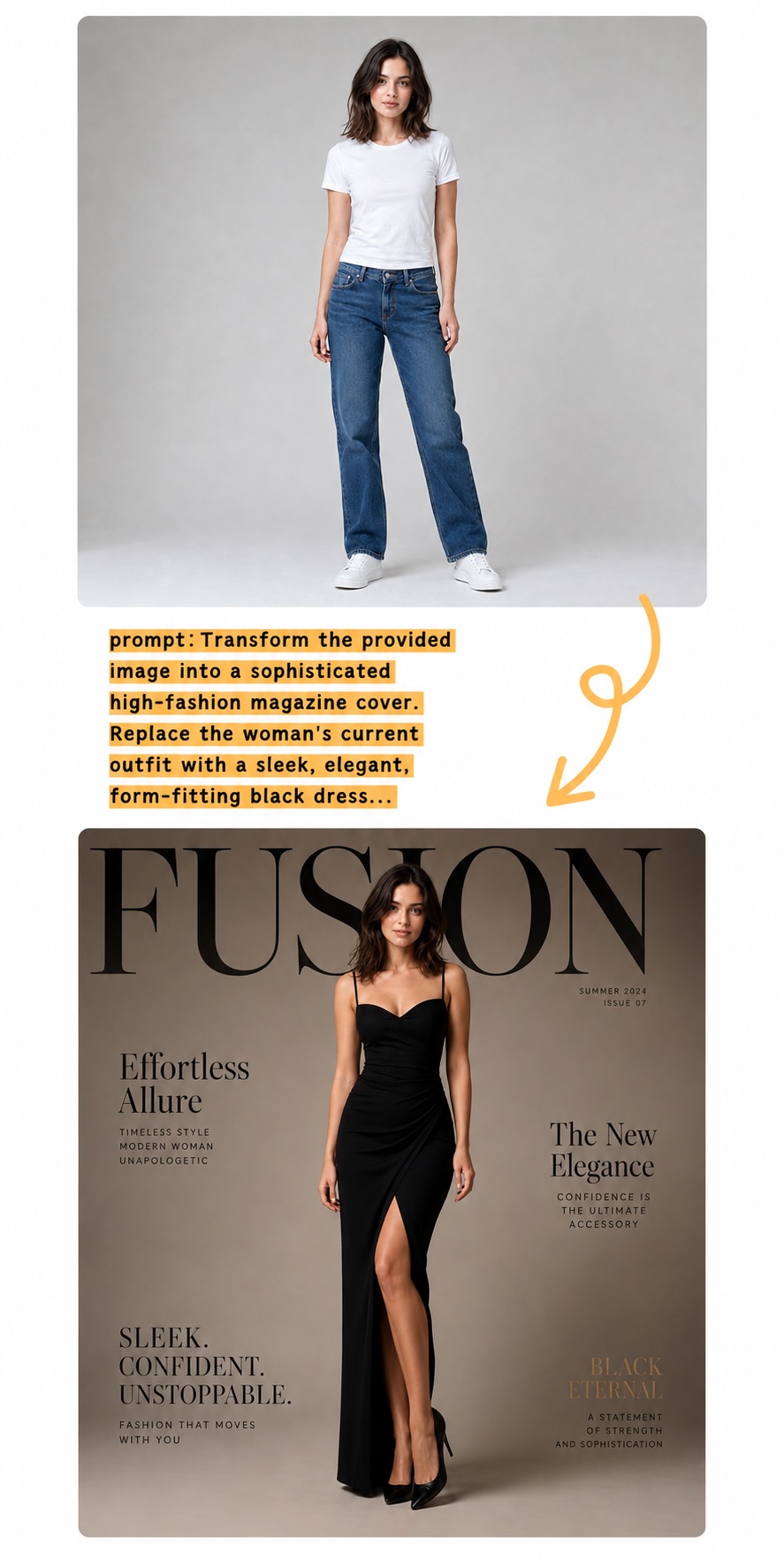
Pixworks AI keeps faces, proportions, lighting, and style consistent across generated poses, outfits, and scenes so creators can build repeatable visual stories.
Generate product shots, portraits, and campaign-ready visuals from prompts or reference images in Pixworks AI.
Sign up to get 80 free credits.
Pixworks AI keeps faces, proportions, lighting, and style consistent across generated poses, outfits, and scenes so creators can build repeatable visual stories.
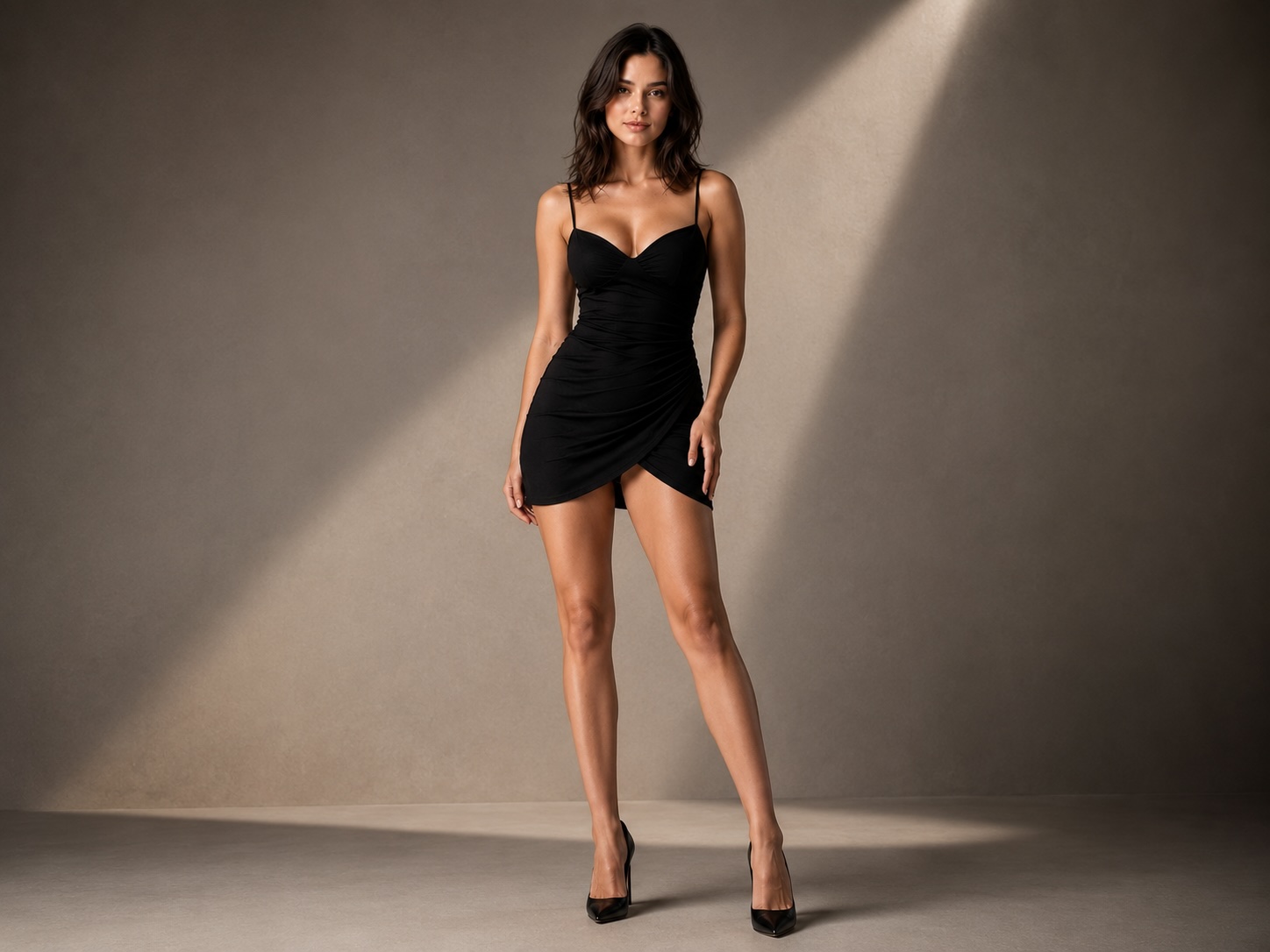
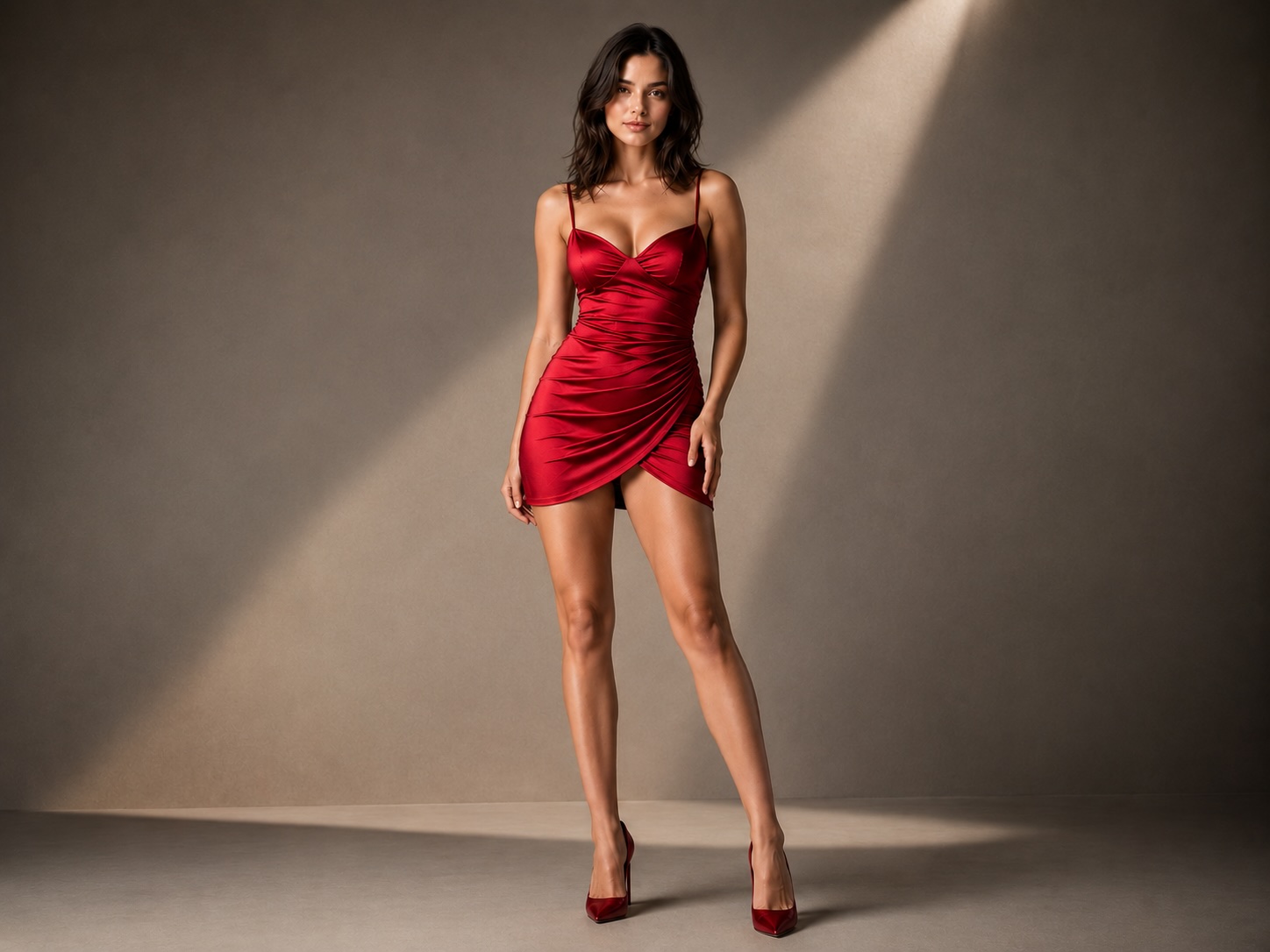
Create specific product angles, scenes, outfits, or visual styles without starting from a blank prompt. Reference-guided generation stays focused on the result you describe.
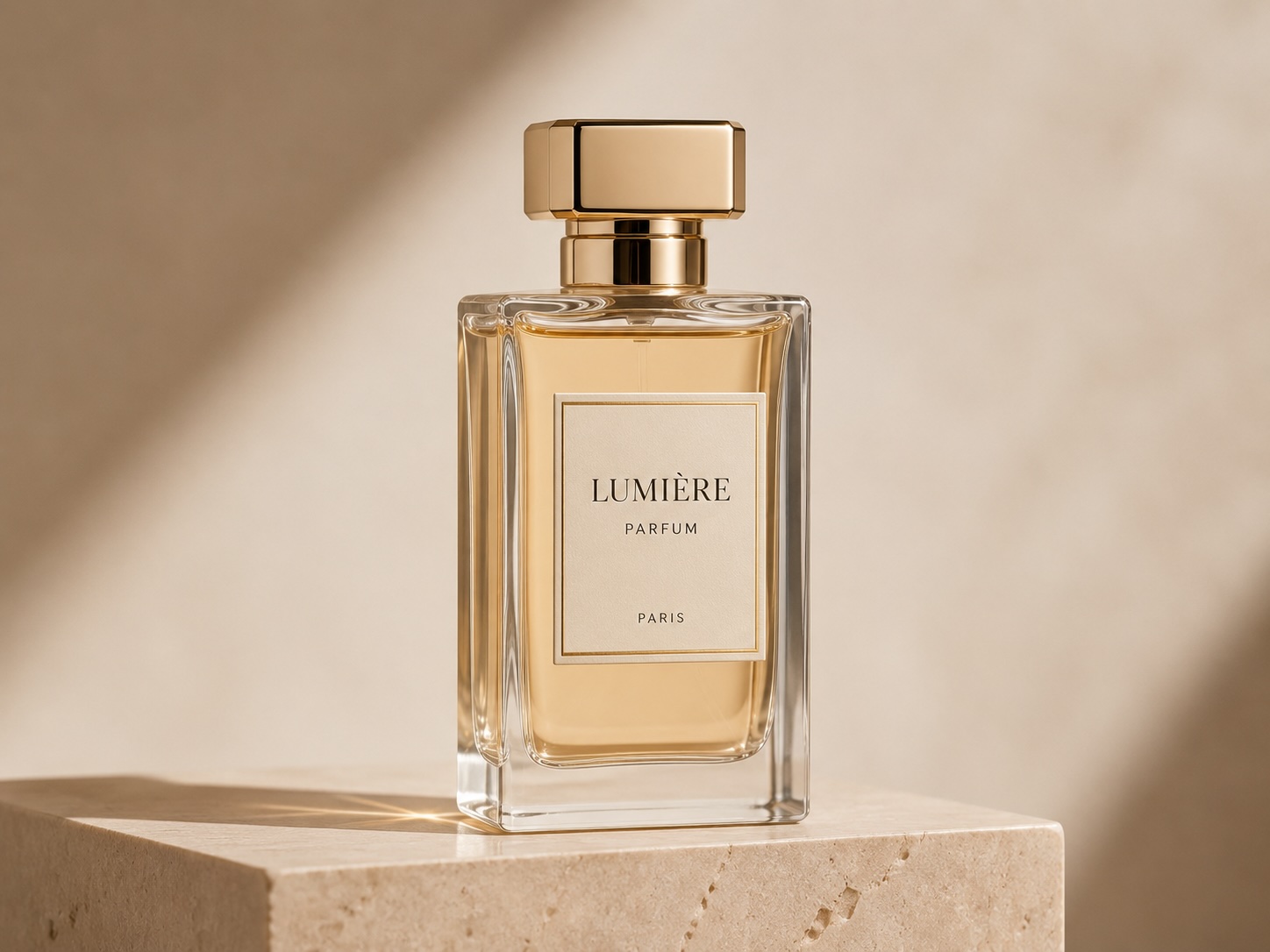
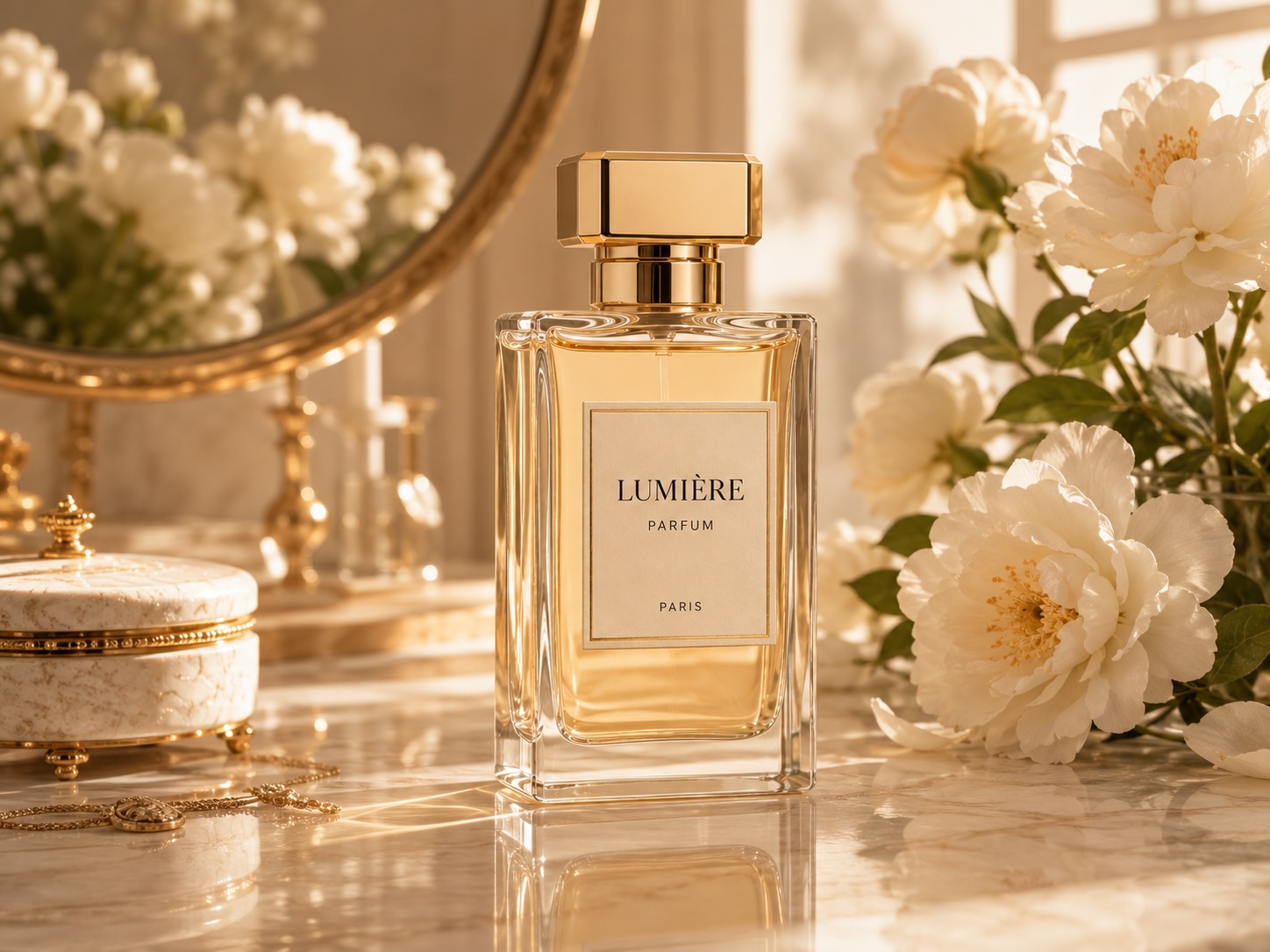
Generate campaign-ready product scenes, packaging variations, and polished creative directions while Pixworks AI balances lighting, perspective, and surface texture.
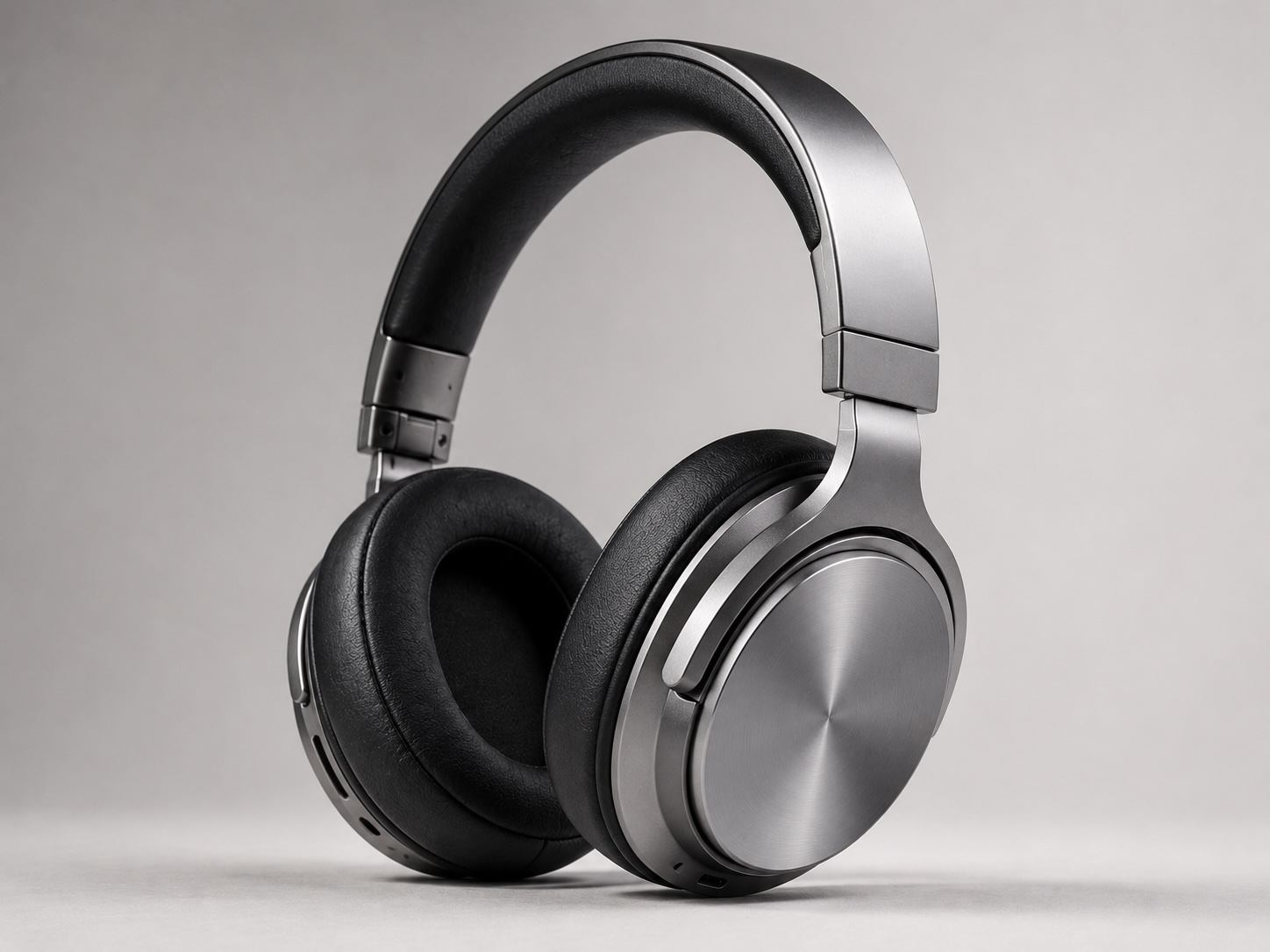
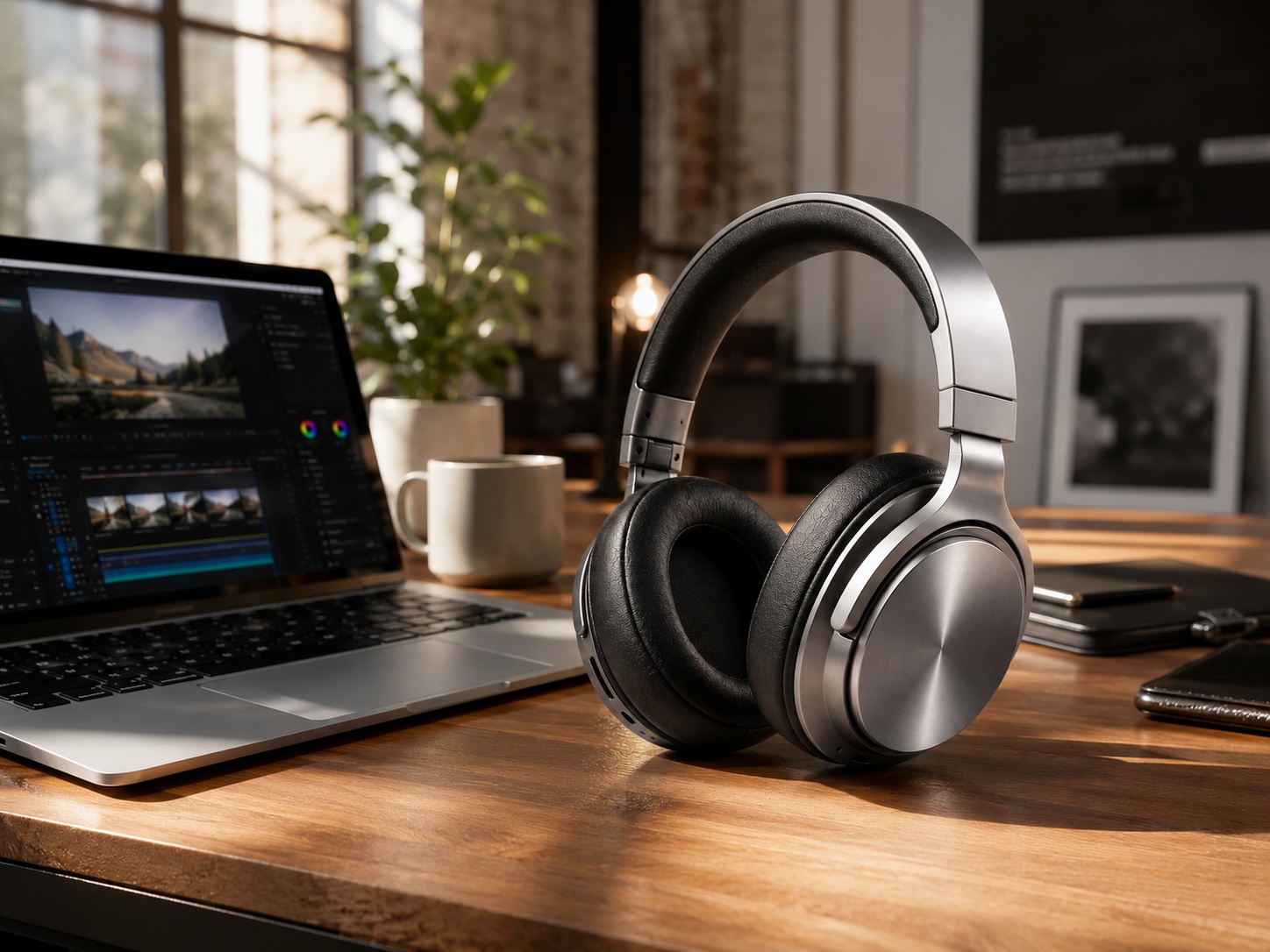
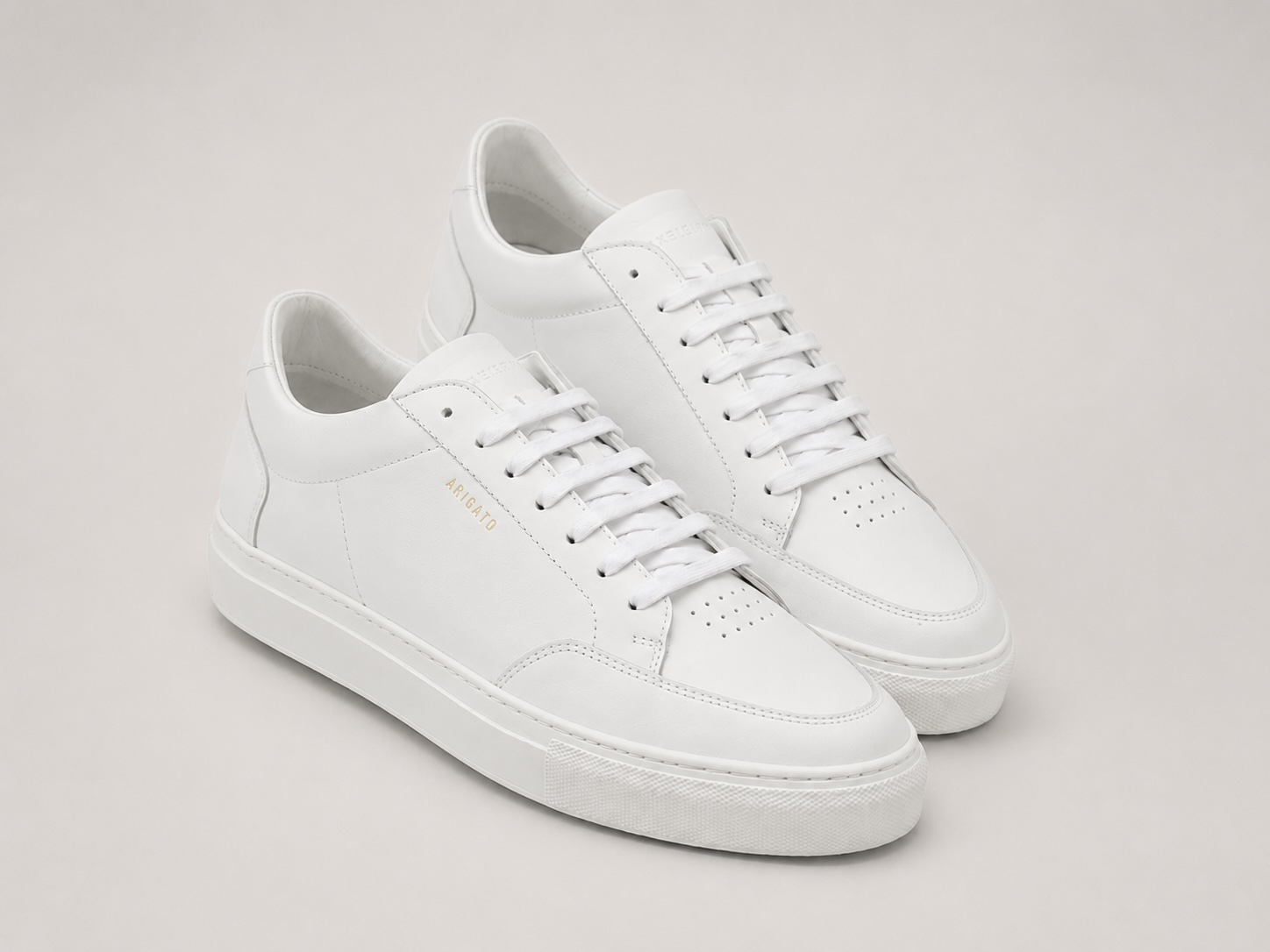
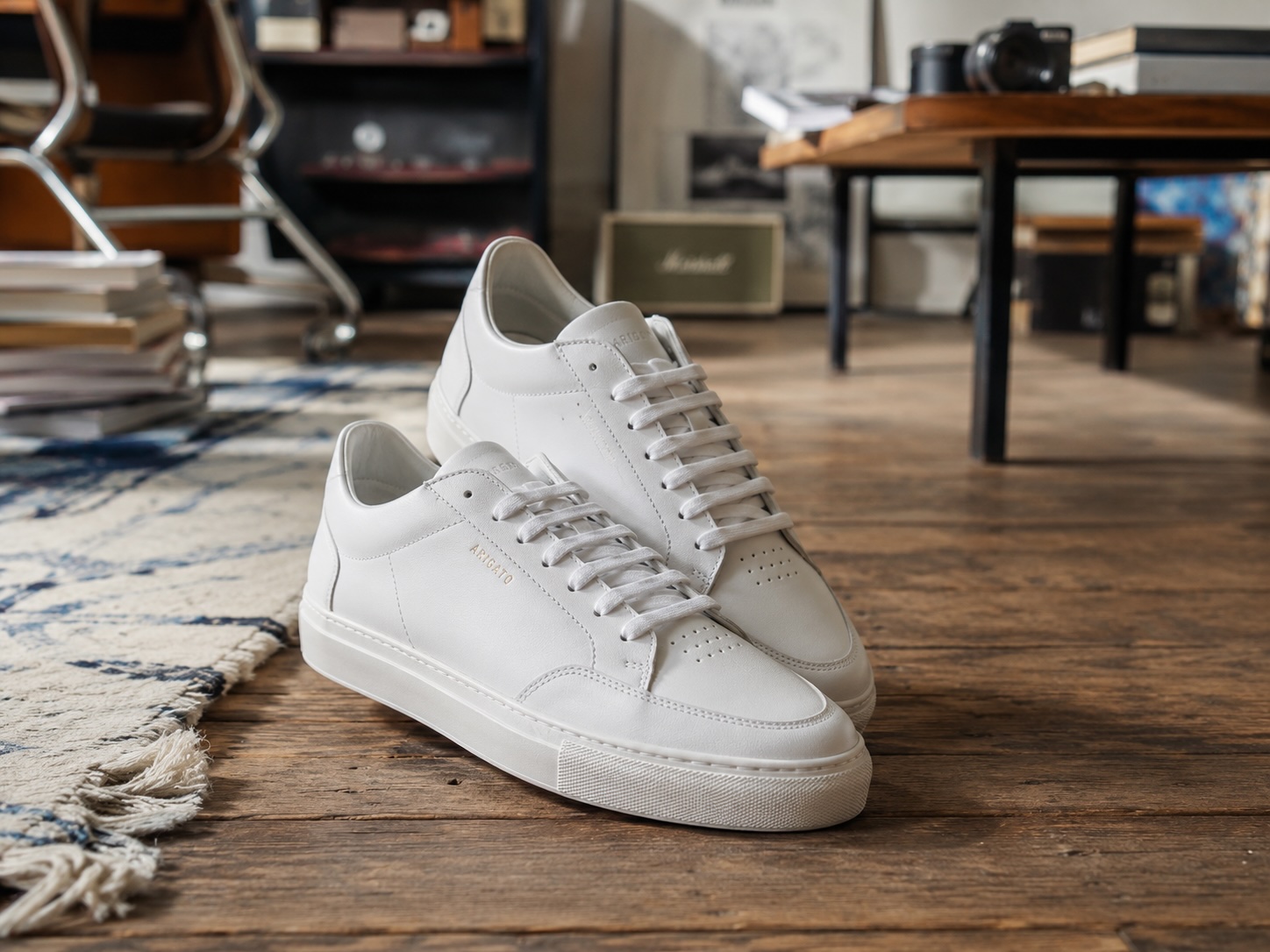
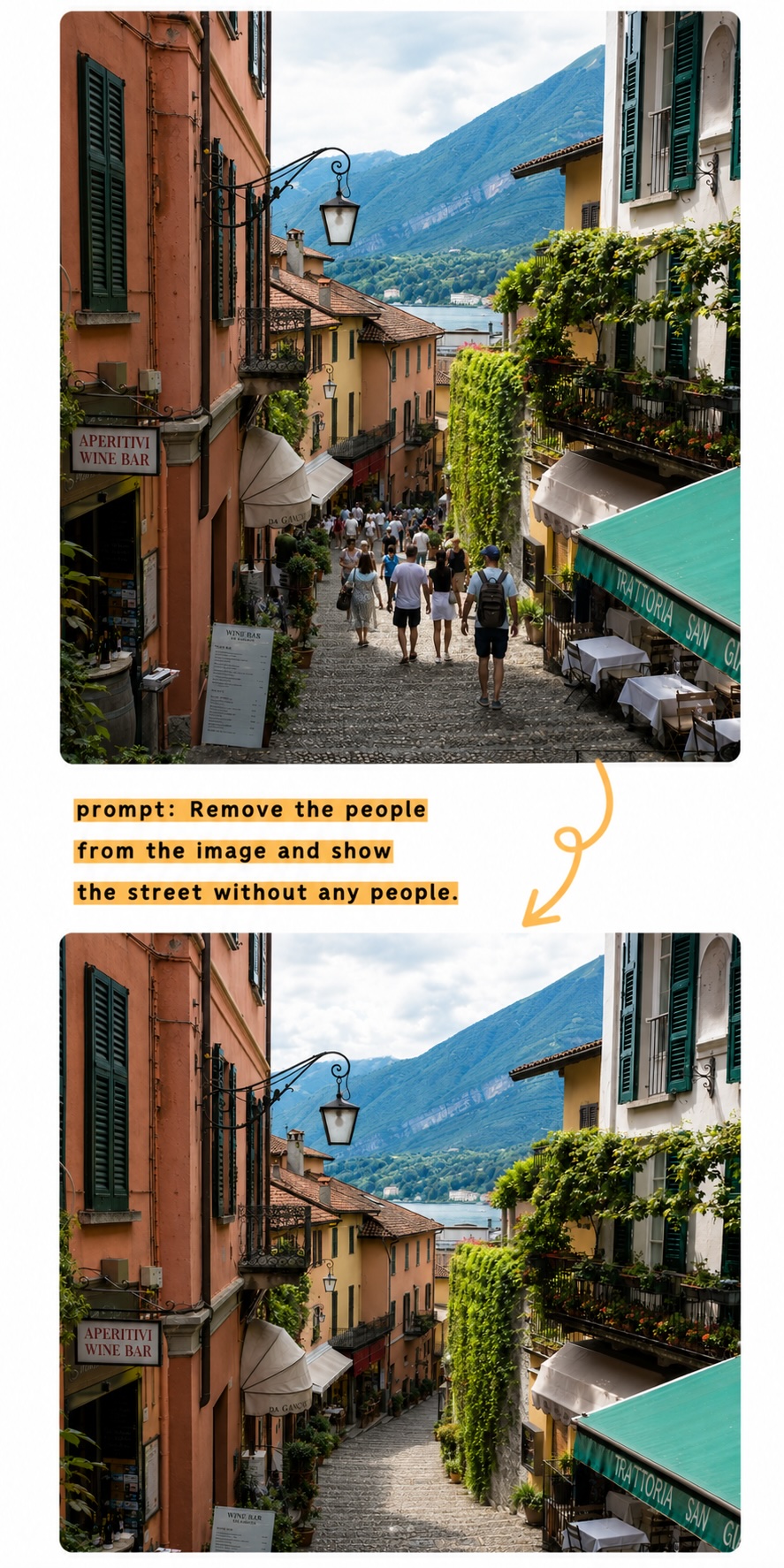
Build clean product listings, remove distracting scenes, and align every SKU to the same visual system.
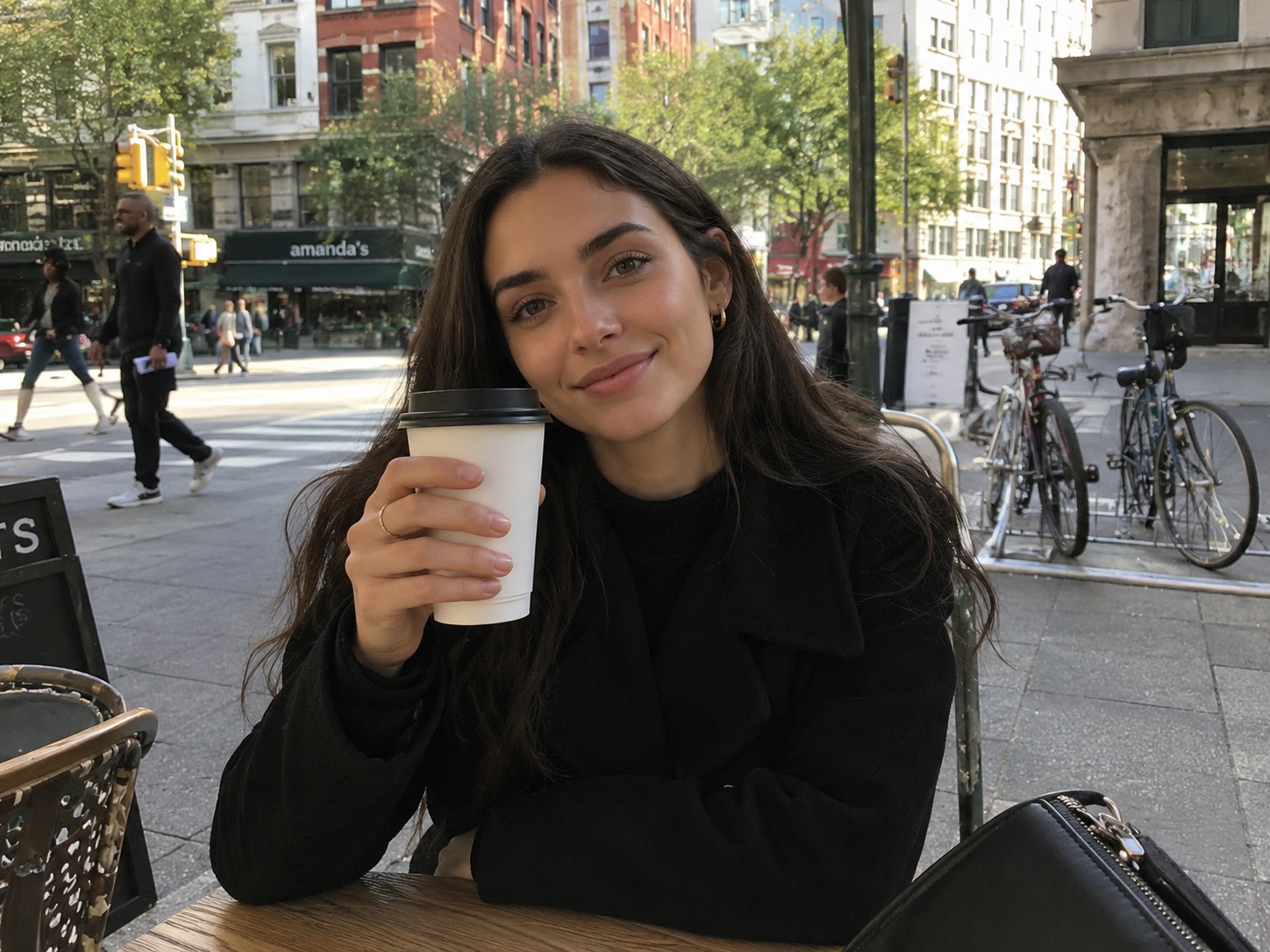
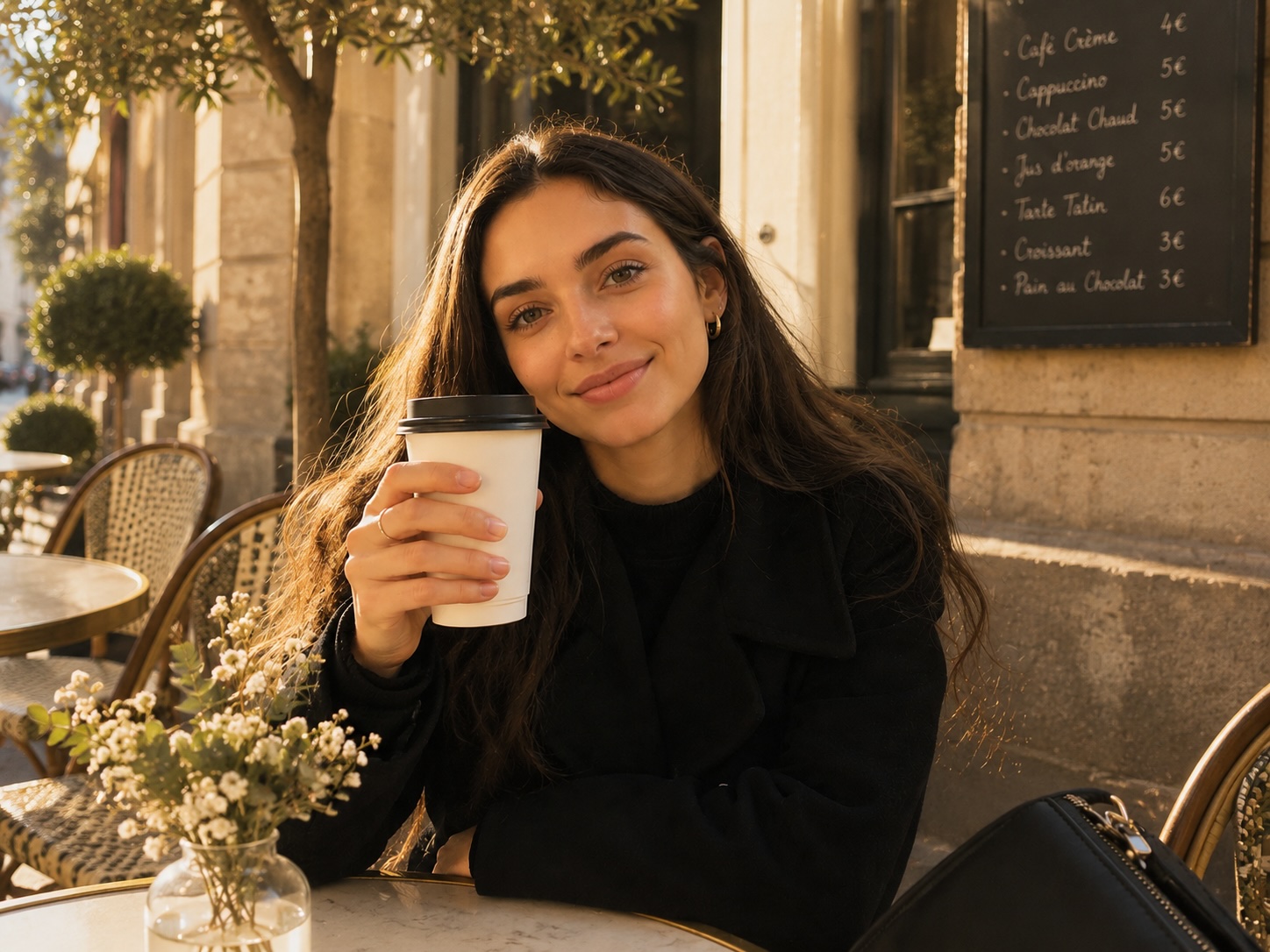
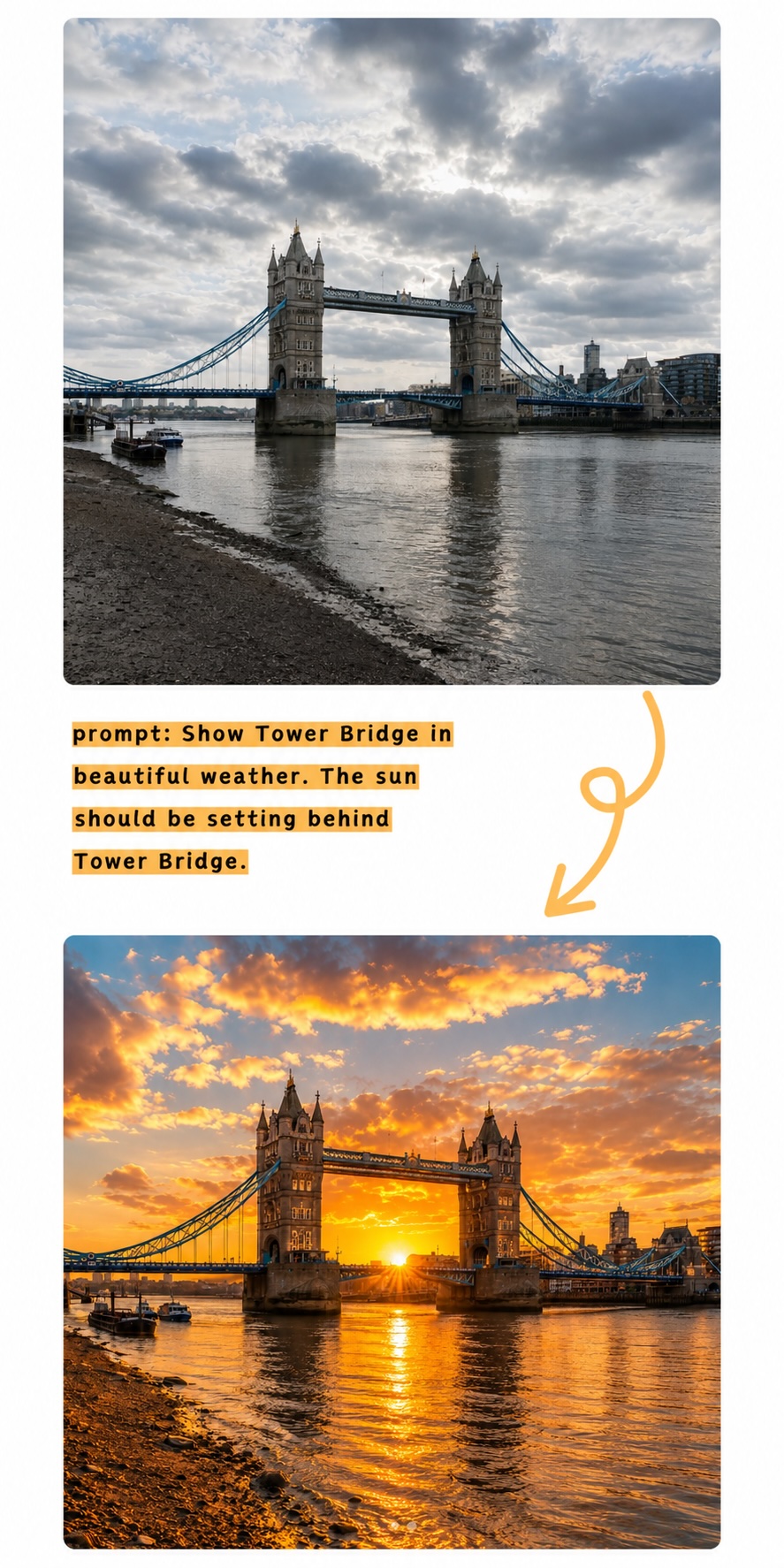
Turn quick captures into polished posts with prompt-based background, style, and lighting updates.
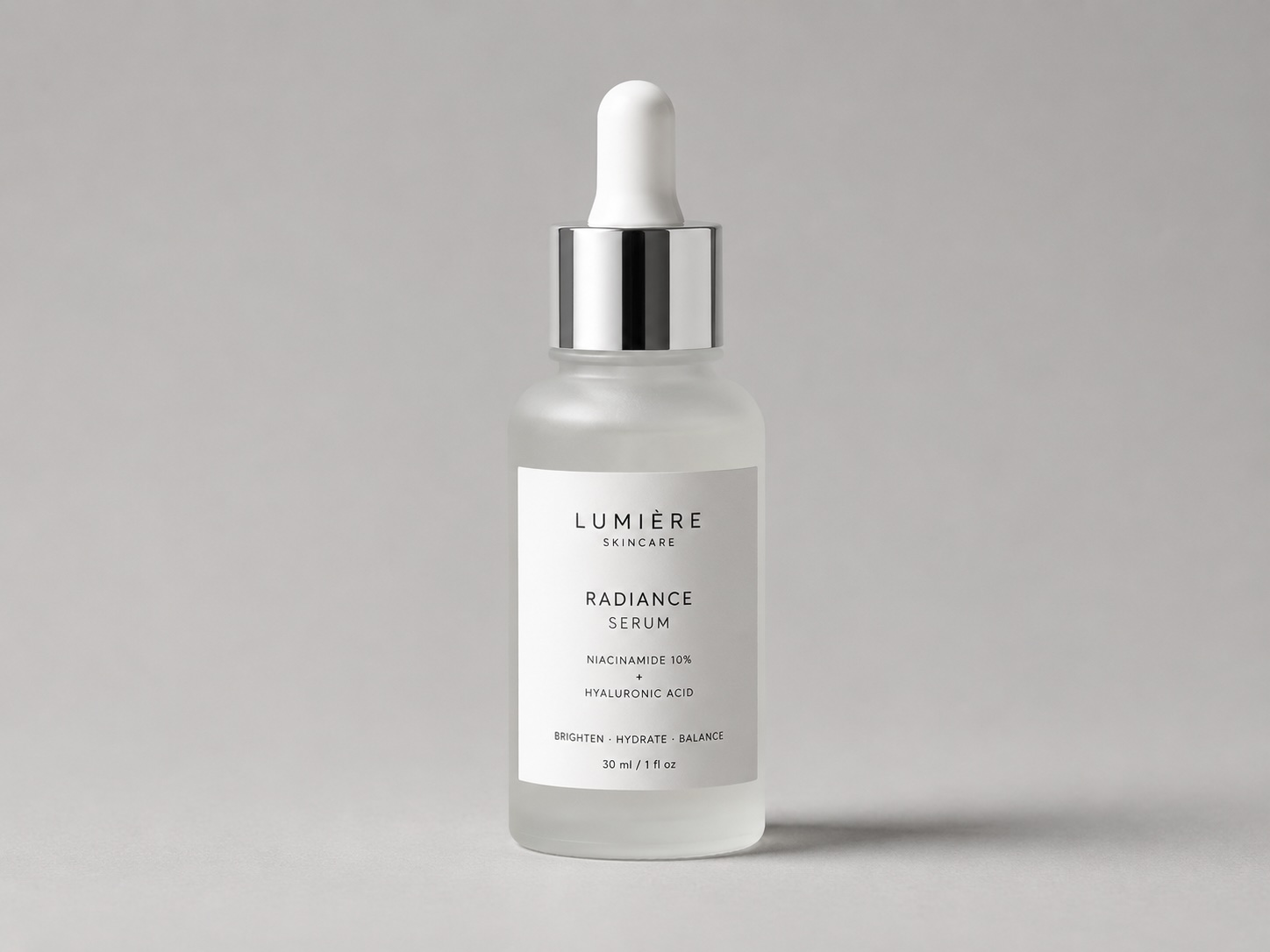
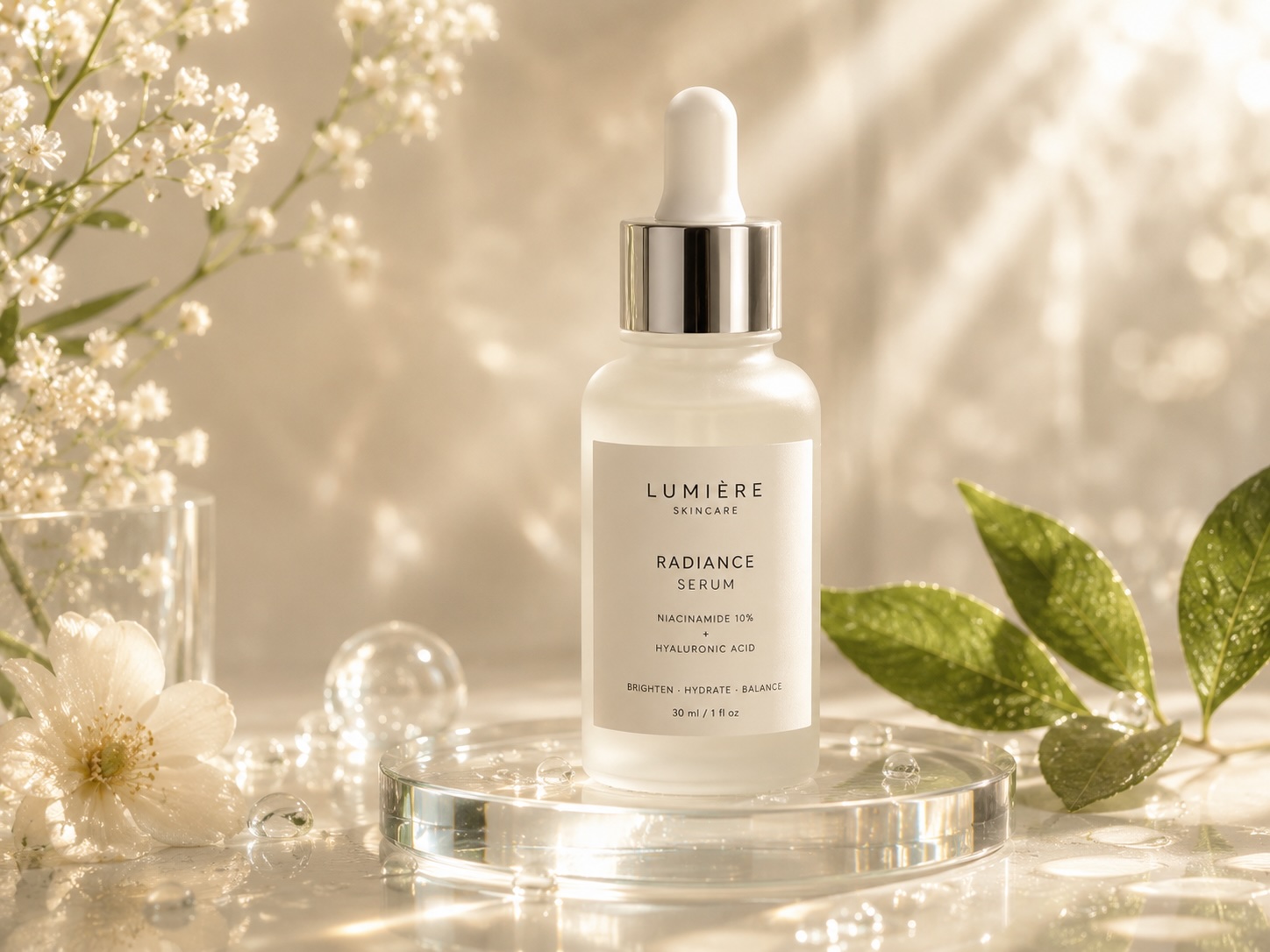
Create campaign-ready product visuals without waiting for a full retouching pipeline.
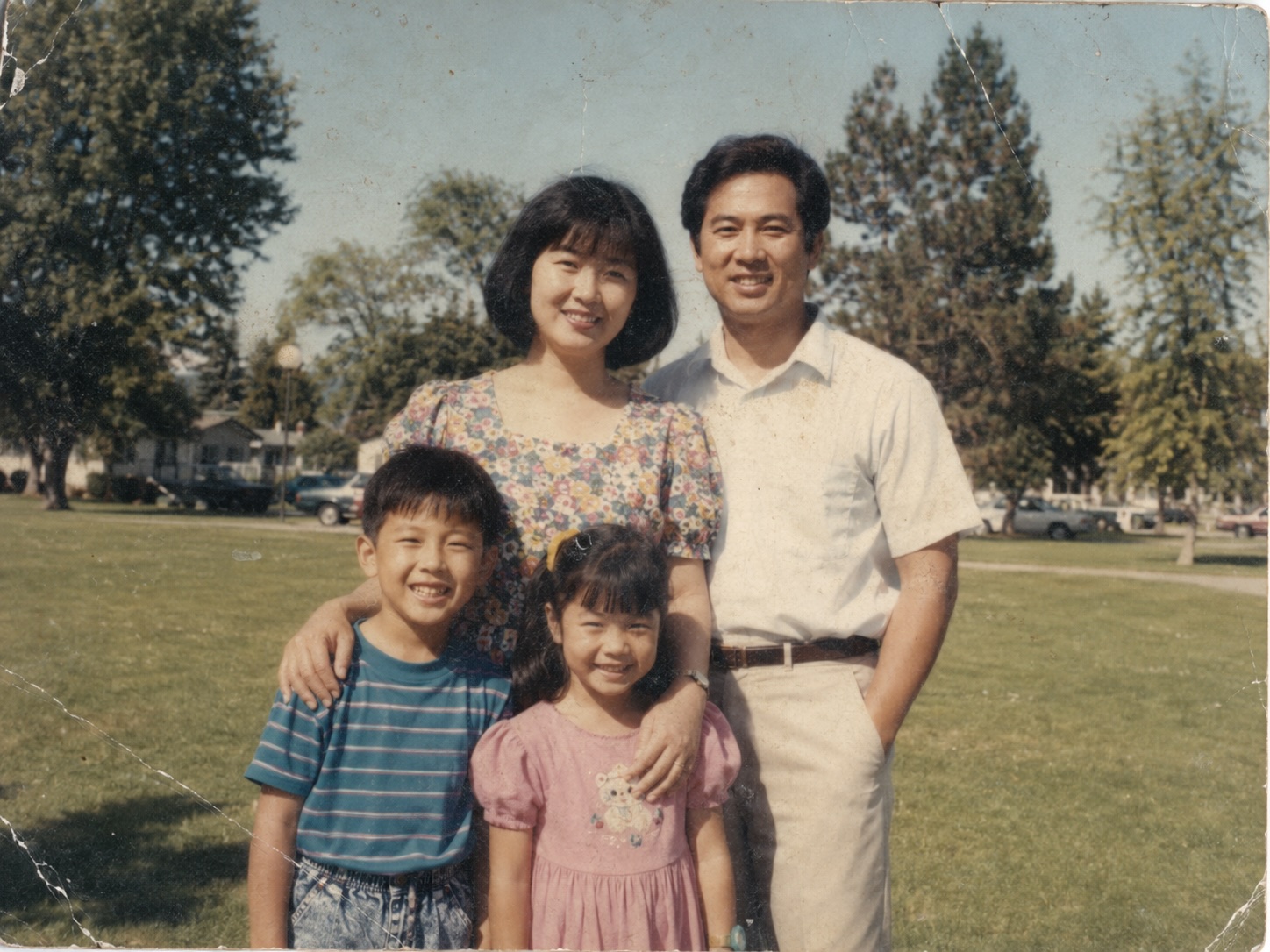
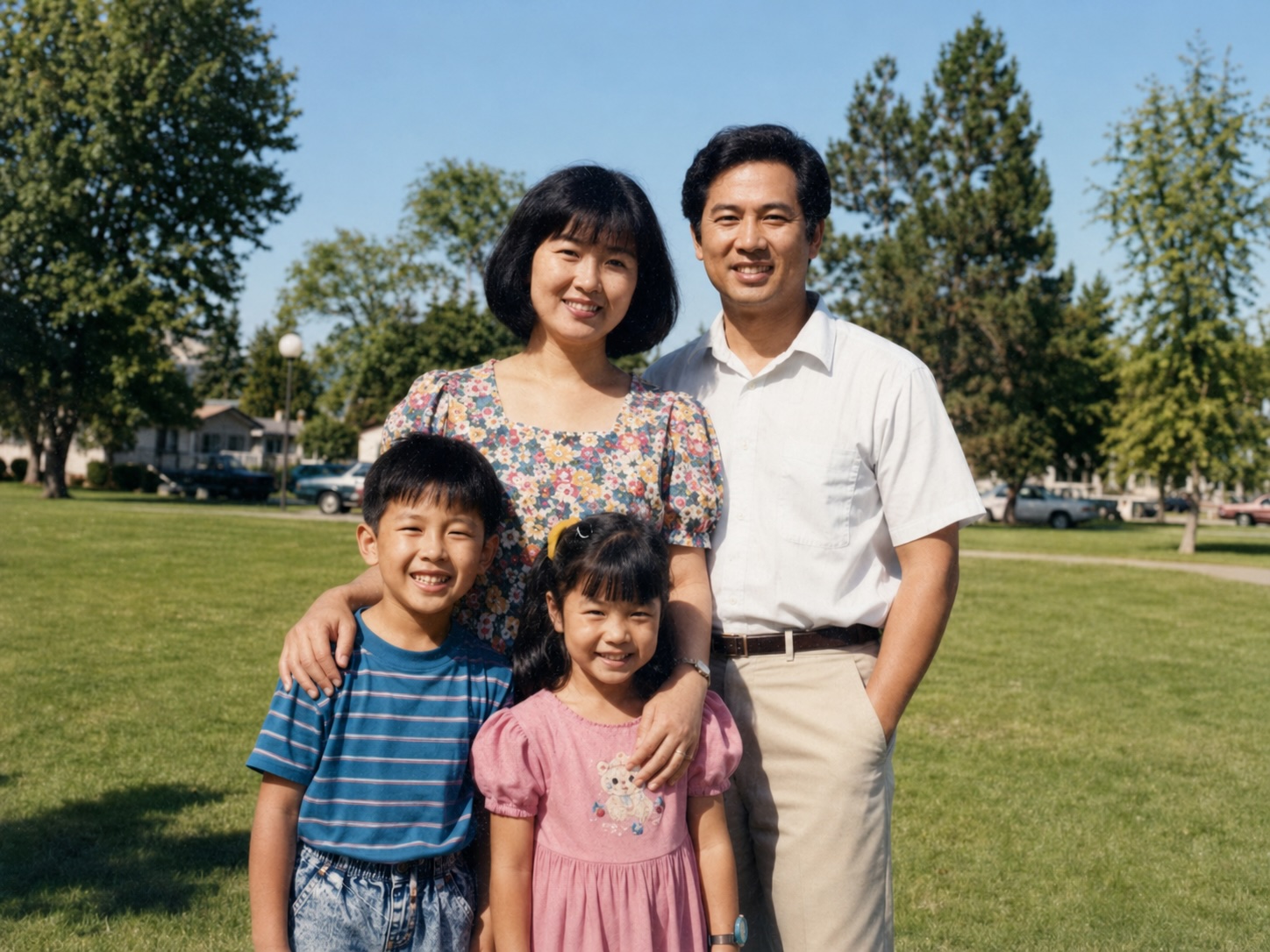
Restore old shots, improve lighting, or remove unwanted objects with simple instructions.
Product shots, portrait concepts, lifestyle scenes, and style variations live in one browser-accessible generator.
The generator preserves key visual direction while creating polished images from the scene you describe.
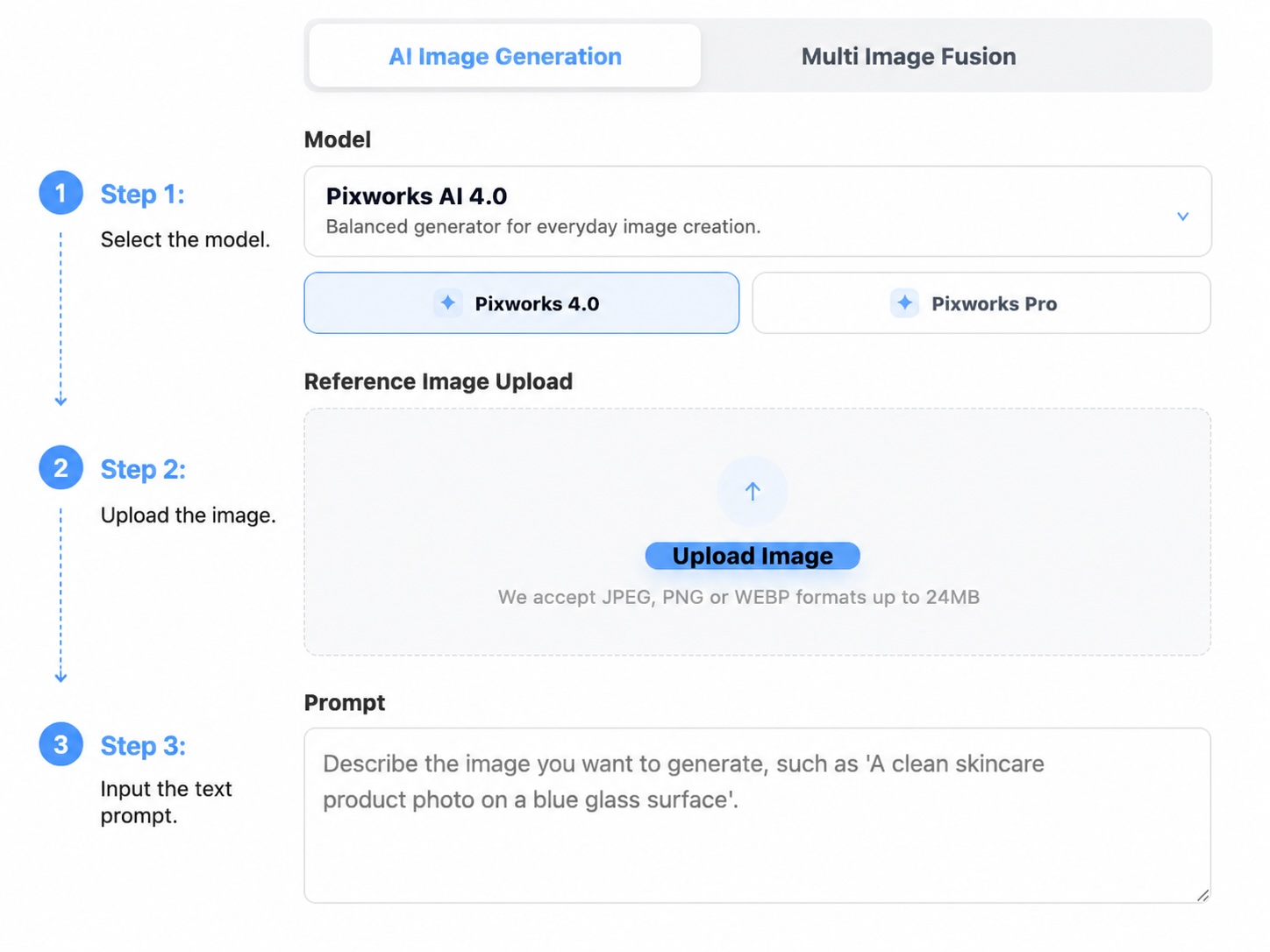
Choose faster drafts, sharper product detail, or safer text handling depending on the image you want to create.
Pick a model based on speed, detail, or text stability.
Add optional JPEG, PNG, or WEBP images up to 24MB each to guide the output.
Tell Pixworks AI what subject, scene, lighting, or style to generate.
Preview the result, save the task, and export a high-resolution image.